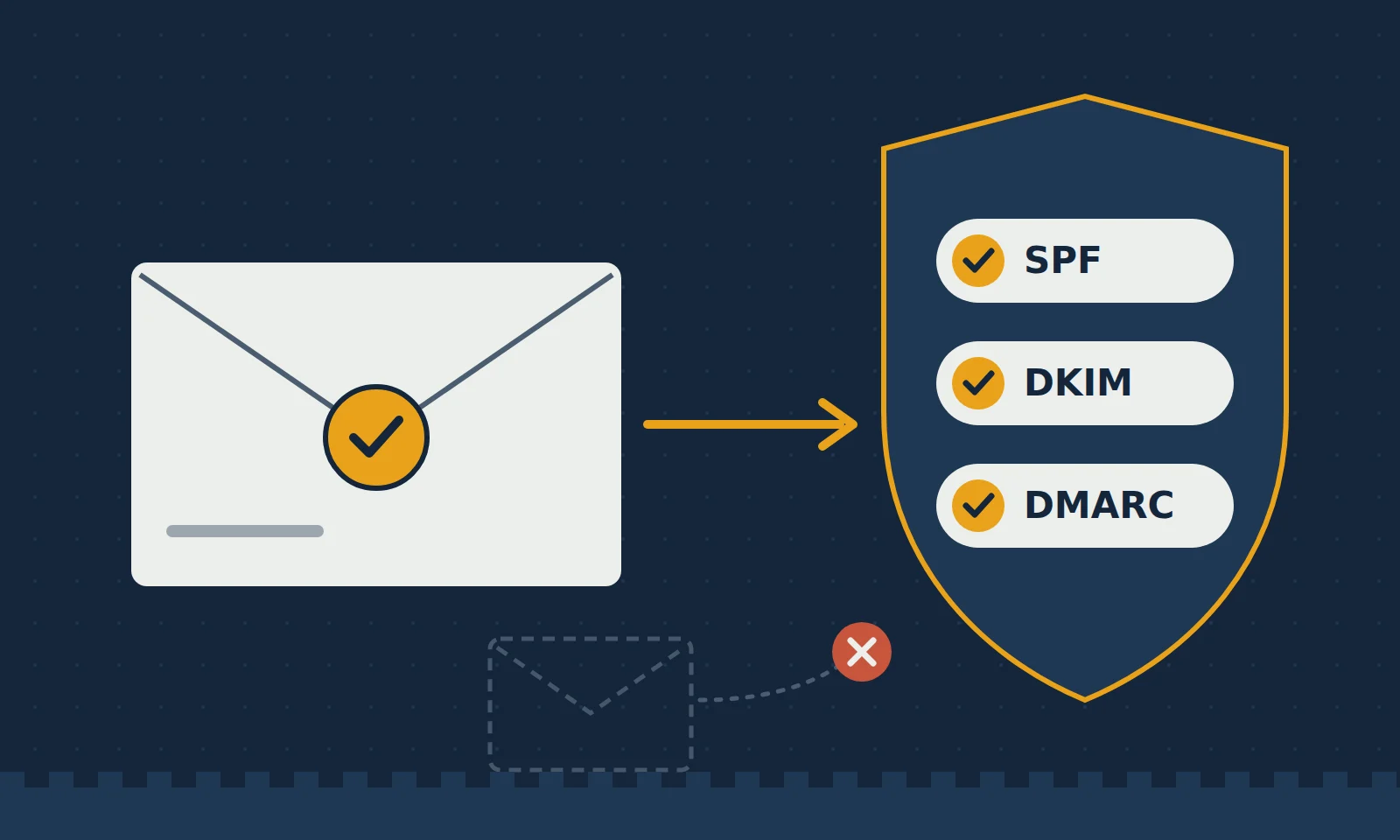

Here’s an uncomfortable fact: unless your domain is properly protected, almost anyone can send an email that appears to come from your company’s address. Scammers use this trick every day to send fake invoices, password reset links and “urgent payment” requests that look completely genuine. Your customers can be fooled, and your business name takes the blame. The good news is that there are three simple settings that stop most of this, and they go by the slightly intimidating names of SPF, DKIM and DMARC. Let’s make them less intimidating.
SPF (Sender Policy Framework) is a public list of the servers that are allowed to send email for your domain. When an email arrives claiming to be from you, the receiving mail server checks that list. If the message came from a server that isn’t on it, that’s a red flag. Think of it as a guest list at the door: if a sender’s name isn’t on the list, they don’t get the benefit of the doubt.
DKIM (DomainKeys Identified Mail) adds a digital signature to every email your server sends. The receiving server checks that signature against a public key published in your domain’s DNS settings. If the signature matches, it knows two things: the email really came from you, and nobody changed it along the way. It’s the email equivalent of a sealed envelope with your official stamp on it.
DMARC ties the two together and tells the world what to do when a message fails those checks. You can start with a “monitor only” policy, which simply asks providers like Gmail and Outlook to send you daily reports about who is sending email using your domain. Once you’re confident only your genuine servers appear in those reports, you can tighten the policy to “quarantine,” which sends fake messages to spam, and eventually to “reject,” which blocks them completely.
This isn’t just about stopping scammers, either. Since 2024, major email providers such as Gmail and Yahoo have required bulk senders to have proper authentication, and even small businesses without SPF, DKIM and DMARC increasingly find their genuine emails landing in spam. That means invoices that don’t get paid, quotes that don’t get read, and contact form messages that quietly disappear. Setting these records up correctly is one of the cheapest and most effective things you can do for both your security and your deliverability.
A few practical tips if you’re starting out. Make sure every service that sends email for you, such as your website’s contact form, newsletter tool or accounting software, is included in your SPF record or signs with DKIM. Never set your website’s contact form to send emails “from” the visitor’s address; use your own domain and put the visitor in the Reply-To field instead. And move to a stricter DMARC policy step by step, reading the reports along the way, so you never accidentally block your own legitimate mail.
At YOURFORT Solutions, we set up and monitor SPF, DKIM and DMARC for businesses, fix deliverability problems, and make sure website forms and business email work together properly. If you’re not sure whether your domain is protected, or your emails keep ending up in spam, get in touch. A quick check today can save a lot of embarrassment tomorrow.